AI translation
StoreLingo uses DeepL for AI translation. DeepL produces the highest-quality machine translations for European languages and most major Asian ones, especially for the kind of short, structured copy that fills product catalogs.
How it works
When you click AI translate missing (in the toolbar of any tab):
- StoreLingo looks up every empty field for the active locale on the current scope (whole site for Products, single collection for CMS).
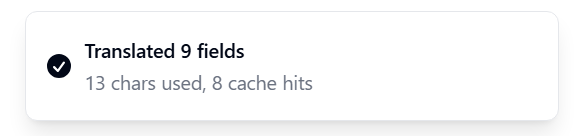
- For each one, it hashes the source text and checks your Translation Memory for a prior translation of the same string into the same locale. If found, it reuses the cached value with no DeepL call and no charge against your AI character cap.
- On cache miss, it sends the source to DeepL with your Glossary terms protected via XML placeholders (more below), stores the result in Translation Memory, and increments your monthly character usage.
A full run of "AI translate missing" on a small catalog typically takes 3-10 seconds. Larger catalogs (1000+ items) are batched and chunked under the hood.
Translation Memory
The cache is per-user, keyed by source locale + target locale + sha256 of normalized source text. A 100-product catalog translated into a second locale typically reuses 60-80% of strings from the first locale's run (shared phrases, repeated product attributes, identical CMS field formats).
What this means for you:
- The marginal cost of adding a fifth locale is dramatically lower than the first one.
- Re-running AI translate after you tweak one source product only re-translates the changed field.
- Approved translations are stored as TM entries too, so once you approve a phrasing it propagates to other items with the same source text.
You can browse, search, and bulk-delete TM entries via the Translation Memory dialog (accessible from your Account menu).
Glossary protection
Brand terms, product names, hashtags, and any other strings that must never be translated go into the Glossary (sidebar, left of the panel). Each glossary term is wrapped in an XML placeholder before being sent to DeepL. DeepL is configured to ignore XML tags marked ignore_tags=x, so the placeholder passes through untouched, and after translation StoreLingo swaps it back to the original term.
Example: with "Acme" in your glossary, the source string Buy Acme Pro Max today translates to:
- French:
Achetez Acme Pro Max aujourd'hui(correct) - Without glossary:
Achetez le Sommet Pro d'Acme aujourd'hui(mangled brand)
See Glossary for setup details.
AI character cap by plan
| Plan | Chars per month |
|---|---|
| Starter | 20,000 |
| Growth | 100,000 |
| Pro | 500,000 |
| Agency | 2,000,000 |
The cap resets at the start of each calendar month. Cached translations (TM hits) do not count. Most stores use less than 20% of their plan cap because the same source strings repeat across locales.
If you hit the cap mid-run, AI translate stops early and you get a partial result. Already-translated fields stay; the rest stay empty until next month or until you upgrade.
Translatable fields
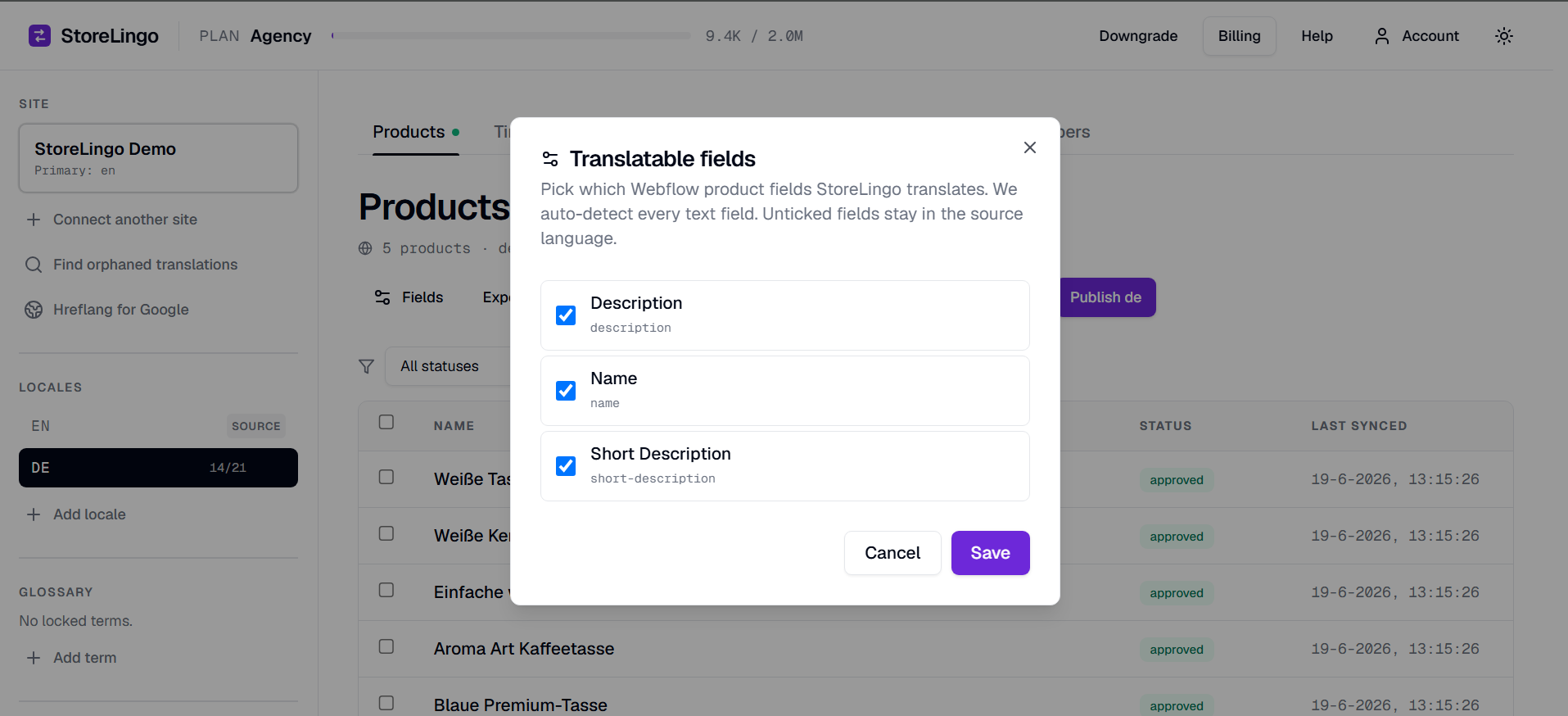
By default StoreLingo translates the most common fields on each entity type:
- Products:
name,description,summary - CMS items:
name,summary,description
You can add or remove translatable fields via the Fields button in the toolbar (per-scope: Products has its own list, each CMS collection has its own). Common additions:
short-descriptionif your products have itimage-alt(or whatever your alt-text field is named) for SEO + accessibility- Custom Webflow fields you want translated (
ingredients,specs,features, etc.)
The field name must match the Webflow field's API key exactly. Adding a field backfills empty translation rows for every product × locale × field combo, so AI translate has rows to fill on the next run.
Nested image fields
Webflow image objects look like { url, alt }. On sync, StoreLingo auto-detects these and creates a virtual <fieldName>__alt translation row whose source is the original alt text. Add that virtual field name to translatable fields (e.g. add main-image__alt) and translate it like any other.
On publish, StoreLingo reconstructs the full { url: <original>, alt: <translated> } shape and writes it back to the same parent field on the duplicate.
Per-item AI translate
If you only want to re-translate one product (e.g., you just edited the source), open the product editor and click the AI button at the top. It runs DeepL on just that item, respecting your glossary and TM as usual.
Quality and human review
DeepL is excellent for the languages it covers well (most of Europe, Japanese, Korean, Chinese). For niche languages or domain-specific jargon (legal, medical, technical specs), human review is recommended. The workflow:
- AI translate fills every field.
- Open the editor on items that matter most.
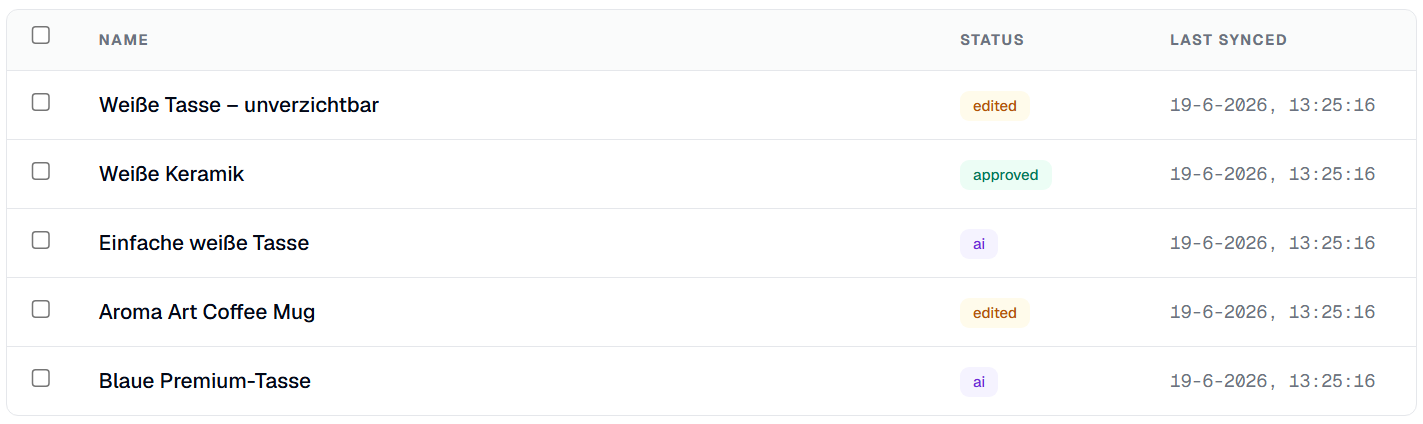
- Read, fix, click Approve. The status badge flips from
aitoapproved. - Approved fields are never overwritten by future AI runs. You can run AI translate missing freely without losing your manual edits.